
Reliable internet in China is essential for maps, translation, train tickets, ride-hailing, hotel communication, and Great Wall transport. Do not leave it until you are already standing outside Beijing trying to find your driver. The best choice depends on your phone, trip length, group size, and whether you need access to international apps during the trip.
Information check: this guide was reviewed on May 14, 2026. SIM registration, eSIM availability, roaming rules, app access, and airport counters can change. Check your carrier and official travel channels before departure.
Quick Planning Snapshot
- Simplest option: international roaming or travel eSIM if your phone supports it and your provider confirms China service.
- Local option: China SIM card, usually requiring passport registration.
- Group option: pocket Wi-Fi, useful if several people share data.
- Do not rely on: public Wi-Fi only, especially for Great Wall transport days.
- Before arrival: download maps, translation, payment, railway, and hotel apps.
Option 1: Roaming or Travel eSIM
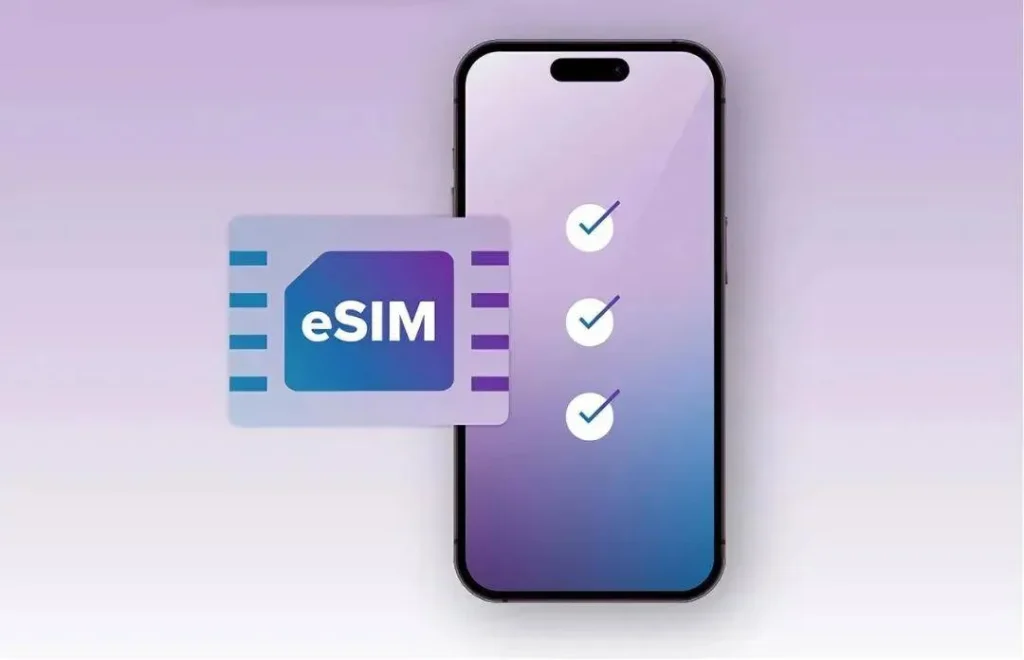
For many foreign visitors, roaming or a travel eSIM is the easiest setup because you can activate it before landing. It can also reduce the need to visit a local counter after a long flight. The weak points are phone compatibility, speed limits, hotspot rules, and whether your plan works well outside major city centers.
Option 2: Local SIM Card
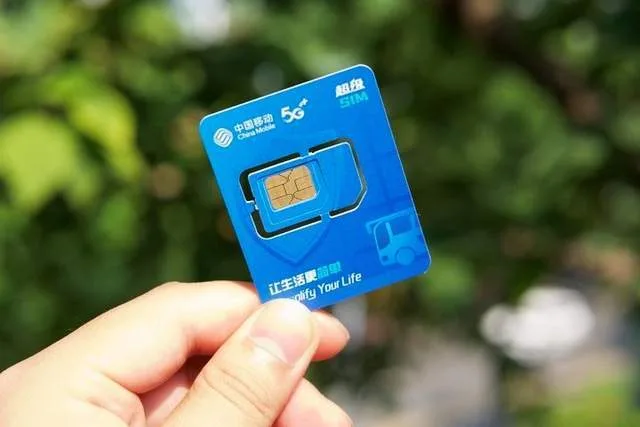
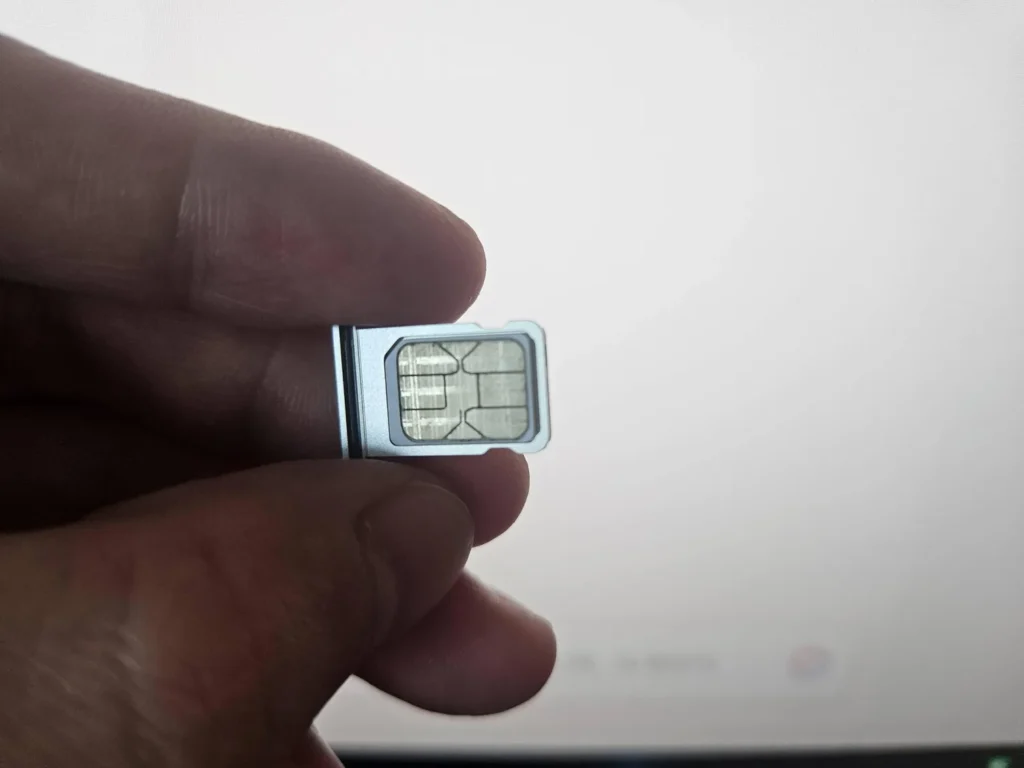
A local SIM can be useful for longer trips, but expect real-name registration with passport information. Buy from official carrier counters or trusted airport/store channels rather than random sellers. Do not write your plan around an old online price list; packages change often.
Great Wall Day Trip Advice
For a Great Wall day from Beijing, download your route, hotel address, driver contact, ticket confirmation, and return plan before you leave. At popular restored sections such as Mutianyu and Badaling, mobile service is usually much better than on remote or wild-wall hikes. For more detail, read network signals on the Great Wall.
Before-You-Go Checklist
- Check whether your phone is unlocked and supports eSIM if needed.
- Install apps before departure and save offline maps.
- Keep passport details available for SIM registration if buying locally.
- Carry a power bank on Great Wall days.
- Confirm how you will contact your driver or hotel if mobile data fails.
Apps to Prepare Before Arrival
Install your essential apps before you fly: a China-compatible map app, translation, hotel booking, airline, railway, and payment apps. If you plan to use WeChat, Alipay, or ride-hailing, set them up before your Great Wall travel day. Some apps require SMS verification, so do not wait until you have already changed SIM cards or left your hotel Wi-Fi.
For the Great Wall specifically, save Chinese names such as 慕田峪长城 for Mutianyu, 八达岭长城 for Badaling, and 司马台长城 for Simatai. This helps drivers, hotel staff, and ticket counters even if English translation is imperfect.
International App Access
Some international websites and apps may not work the same way inside mainland China as they do at home. Roaming and travel eSIM behavior can also differ by provider. Check your provider’s China policy before departure and keep hotel addresses, train tickets, and driver contacts available offline.
Sources Checked
- China Briefing traveler internet guide for current connectivity context.
- China government English portal for official travel-information context.
Internet planning before a Great Wall day
Set up your phone before the day trip, not at the wall. Test mobile data in Beijing, confirm map access, save offline details, and make sure messaging or payment apps work as expected. A Great Wall parking area or ridge is the wrong place to solve SIM, roaming, or app problems.
SIM, eSIM, roaming, and Wi-Fi
Different travelers will use different solutions: international roaming, local SIM, eSIM where supported, hotel Wi-Fi, or portable hotspot. The best choice depends on phone compatibility, length of stay, and whether your apps work normally in China. Avoid promising one universal solution.
What to save offline
Save your passport hotel registration details, hotel address in Chinese, Great Wall section name, ticket confirmation, driver contact, pickup point, and return route. If mobile data fails, these screenshots still help you communicate.
For current transport, ticket, opening, and seasonal rules, check official scenic-area channels, local government notices, or transport operators before visiting. Commercial tour-company pages are not used as public sources.
What can change by traveler
There is no single best internet setup for every visitor. A short-stay traveler may prefer roaming or eSIM if supported. A longer-stay traveler may consider a local SIM. Some travelers need reliable access to maps and messaging; others need payment and work apps. The right choice depends on phone compatibility, trip length, app needs, and whether you can set everything up before arrival.
China app preparation
Install and test essential apps before the Great Wall day. Save offline maps, hotel addresses, transport screenshots, and emergency contacts. If you use translation apps, download offline language packs where possible. If you rely on messaging, confirm it works in China before leaving central Beijing.
Great Wall day checklist
- Test mobile data in Beijing.
- Save the Chinese name of your chosen section.
- Screenshot tickets and pickup points.
- Carry a power bank.
- Do not depend on live signal for route safety.
Travel note
Internet planning should be checked before leaving the hotel, not after reaching the wall. Save offline maps, ticket details, hotel addresses, and transport notes in advance. Signal can be usable in developed areas, but ridges, valleys, crowds, and roaming settings can still create problems.